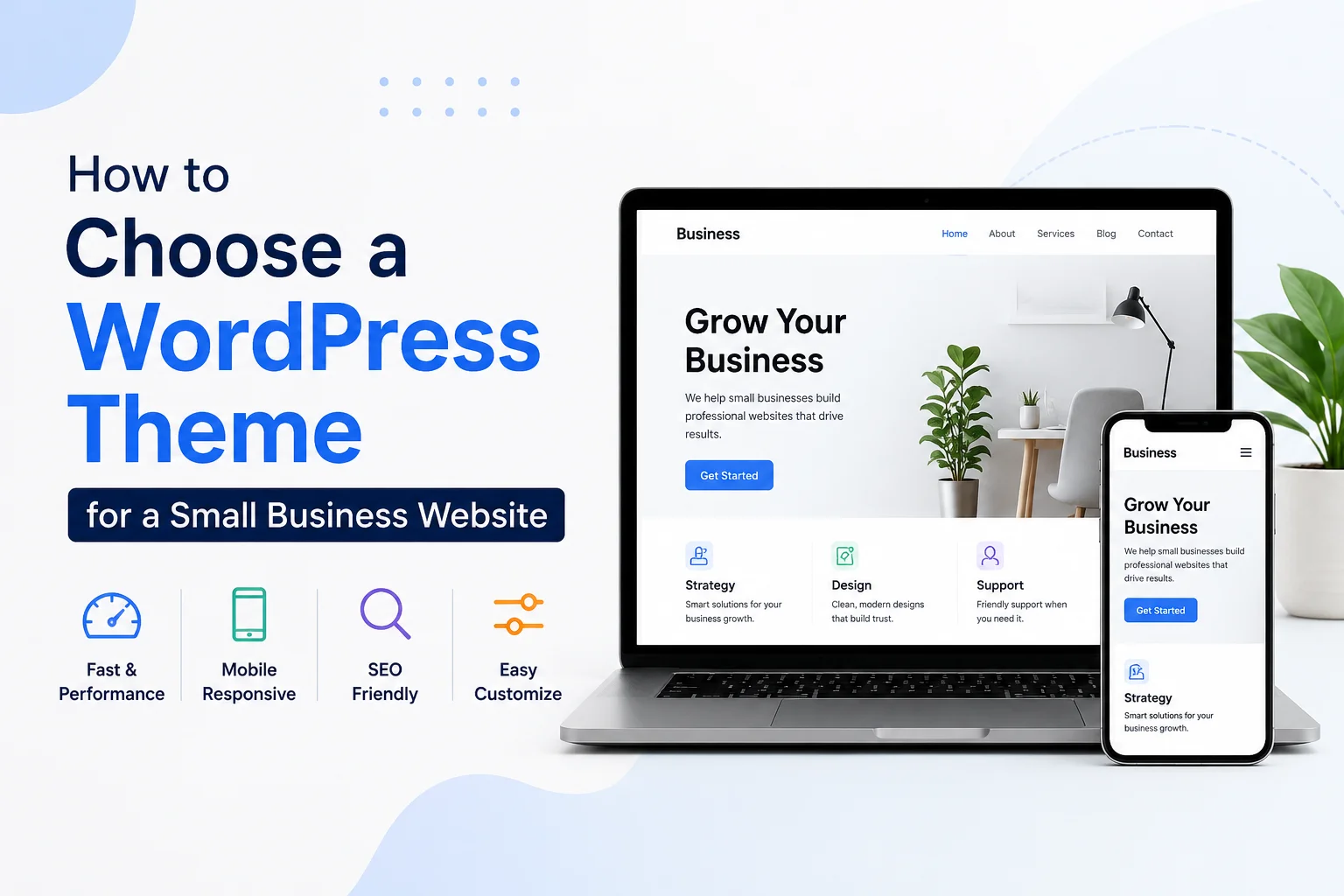
To choose a WordPress theme for a small business website, focus less on flashy demos and more on practical fit: mobile layout, editing simplicity, speed, accessibility, plugin compatibility, support, licensing, and total cost.
A good WordPress theme for small business use should make routine work easy — publishing service pages, editing contact details, adding testimonials, connecting forms, or launching a basic store — all without needing a developer every time.
In this guide you will find:
- Key criteria to check before buying any theme
- A step-by-step decision checklist
- A comparison table of the 5 best themes in 2026
- Answers to common questions (FAQ)
Criteria That Matter Before You Buy
1. Mobile Responsiveness
Open the demo on your phone before you fall in love with it on desktop. If the menu, call button, or contact section feels cramped on mobile — move on. Astra, Blocksy, and Neve all present their starter templates as mobile-ready by default.
2. Speed and Core Web Vitals
Run the live demo through Google PageSpeed Insights before you install anything. Google’s recommended targets are:
- LCP (Largest Contentful Paint): under 2.5 seconds
- INP (Interaction to Next Paint): under 200 milliseconds
- CLS (Cumulative Layout Shift): under 0.1
GeneratePress, Neve, and Astra all market themselves as lightweight or speed-focused — but still test the exact demo you plan to use.
3. SEO Basics
Do not pick a theme just because it says “SEO friendly.” Good Core Web Vitals and a clean page structure are the real foundation of search performance. Schema or OpenGraph support is a bonus — not a substitute for strong content and clear heading structure.
4. Accessibility
WordPress.org’s accessibility-ready tag reflects minimum standards set by the theme review team — not full WCAG AA compliance. The accessibility-ready requirements were updated in May 2026. The tag is useful, but it is not a complete guarantee.
5. Customization Without Code
WordPress block themes allow full-site editing via the Site Editor, while classic themes still rely on older template structures. If you prefer a guided visual workflow, Kadence, Astra, Blocksy, and Neve all offer starter templates, header/footer builders, and no-code customization paths.
6. Plugin Compatibility
Your theme should work with the tools you already need — forms, SEO plugins, booking tools, or page builders. Test everything on a staging site before launch.
7. E-Commerce Support
If you plan to sell products, bookings, or digital downloads, WooCommerce support matters. Astra, Neve, Kadence, and Blocksy all highlight WooCommerce-specific features. Store-ready themes give you cleaner shop pages and fewer layout surprises.
8. Support and Updates
Read the support terms before paying. WordPress.org theme pages provide ratings, forums, and user feedback. ThemeForest normally includes six months of support with an option to extend to twelve months — but support does not cover custom installation or custom design work.
9. Licensing
WordPress.org directory themes are 100% GPL or compatible. On ThemeForest (Envato), you receive a non-exclusive license — not ownership. Understand the difference between Regular and Extended licenses if you are building for clients or using the theme across multiple sites.
10. Pricing and Renewal Rules
Compare the real cost, not just the headline number. Check annual renewal pricing, site limits, and whether e-commerce features require a higher-tier plan before you commit.
Step-by-Step Checklist to Choose a WordPress Theme
- Define what your site must do. Decide whether you need a brochure site, lead generation site, blog, appointment site, or full WooCommerce store before comparing designs.
- Pick your editing model. If you want visual control inside WordPress, prioritize block themes or themes with strong no-code builders and starter templates.
- Shortlist two or three themes only. Too many choices slow you down. Use official theme pages, starter-site libraries, ratings, and support docs to narrow the field.
- Test the live demo on mobile and with PageSpeed Insights. Look for obvious navigation issues, then check Core Web Vitals targets.
- Verify plugin and store compatibility. Confirm builder support, form support, SEO plugin compatibility, and WooCommerce fit before purchase.
- Check reviews, docs, support period, and license terms. On WordPress.org, review ratings and forums. On ThemeForest, read the support policy and license rules carefully.
- Import on a fresh staging site. Starter-site import can replace existing content — always test on staging or a fresh install first.
- Buy only after you confirm the total cost. Check annual renewal, site limits, and whether key features sit behind a higher plan.
Best WordPress Themes for Small Business (2026)
The table below is based on official product and pricing pages checked on June 10, 2026. Theme vendors frequently change offers, renewals, and bundles — always verify the latest plan before checkout.
| Theme | Best For | Price (2026) | Key Features |
|---|---|---|---|
| Astra | Service businesses that want a fast launch | Free; Pro from $69/year | Works with major page builders, WooCommerce booster, 145+ premium starter templates |
| GeneratePress | Owners who care most about speed and a clean base | Free; GP Premium $59/year | Under 10kb gzipped, 60+ starter sites, theme-builder controls in GP Premium |
| Kadence | Non-technical users who want strong visual controls | Free; Essentials from $99/year | Drag-and-drop header/footer builder, 200+ starter templates, accessible and fast |
| Neve | Small stores and flexible business sites | Free; Personal $69/year; Business $149/year | Performance-oriented, 110+ starter sites, block editor and builder compatible, extended Woo options in Business |
| Blocksy | Businesses wanting modern design plus strong Woo features | Free; Personal from $69/year | Advanced WooCommerce support, full block-editor compatibility, one-click starter sites, strong header/footer controls |
Pricing note: Confirm the current plan, renewal price, and feature list before checkout.
Frequently Asked Questions
Are free themes good enough for a small business website?
Yes, often they are. Themes in the WordPress.org directory are reviewed and 100% GPL or compatible. Theme pages include ratings, forums, and user feedback — making free options easier to vet than random downloads from unknown sites.
Should I choose a block theme or a classic theme?
If you want more visual control inside WordPress, a block theme is usually the better fit because it lets you edit all parts of the site in the Site Editor. Classic themes are still valid and widely used, but they depend more on older template structures and theme-specific controls.
Do I need a WooCommerce-ready theme if I only sell a few products?
If you want the simplest path, yes. WooCommerce can render on many themes, but store-ready themes give you cleaner shop pages and fewer layout surprises out of the box.
How do I know whether a theme is actively maintained?
Start with the official theme page or vendor site. Look for recent changelog entries, updated documentation, and a visible support channel. WordPress.org theme pages also surface ratings and community feedback.
Is ThemeForest safe to buy from?
It can be, but buy carefully. Envato grants you a non-exclusive license — not ownership. Read the support policy, documentation quality, and license rules before checkout, especially for client work or membership-style websites.
Ready to Choose Your Theme?
The quickest path: shortlist two themes, run both demos through PageSpeed Insights, and choose the one that matches your editing style and business goals. If you want expert help before you buy, browse premium theme options or request a consultation — so you do not waste time rebuilding the site later.